Are you running a marketplace yourself? We'd love to hear from you. Get in touch and we'll gladly help you get connected, answer your questions and make sure everything runs smoothly for your sellers.
In the past few weeks, we have had a lot of questions about adding support for newly emerging marketplaces. New LEGO® marketplaces keep popping up, and many of you want to try them without giving up the inventory and order management you rely on in Bricqer. We've received an overwhelming number of these requests, and it's great to see so much happening in the community. I'm thrilled to announce support for Custom Marketplaces: a new API that marketplaces can use to connect with Bricqer stores.
Opening up your store for new marketplaces
Until now, every new marketplace needed its own integration in Bricqer before stores could use it. With Custom Marketplaces, we're opening the door to new marketplaces. We've implemented new APIs specifically for new marketplaces, so they can more easily read your inventory, create new orders and receive updates. Marketplaces know their own platform best, so they can build the connection exactly the way it fits them, and we're happy to help them along the way. Once a marketplace supports it, every Bricqer store can connect to it in a few clicks.
Of course, you will stay in control: you can choose which marketplaces you want to connect to, and you can always disconnect from a marketplace if you want to.
It's a win-win for everyone:
- For you You can start selling on new marketplaces as soon as they're ready, with the same inventory and order management you already use in Bricqer.
- For marketplaces They get a fast way to reach Bricqer stores and their inventory, with a single connection that works for every store.
- For the community More marketplaces means more choice for buyers and sellers, and a stronger LEGO® community as a whole.
What a connected marketplace can do
Once a marketplace supports Bricqer, it works a lot like the marketplaces you already know.
- Your inventory, always up to date The marketplace reads your inventory straight from Bricqer. Whenever you add, sell, reprice or remove items, Bricqer lets the marketplace know, so it can pick up the new quantities and prices right away. Your quantity safety margin applies here too, so the marketplace sees the same protected quantities as all your other channels.
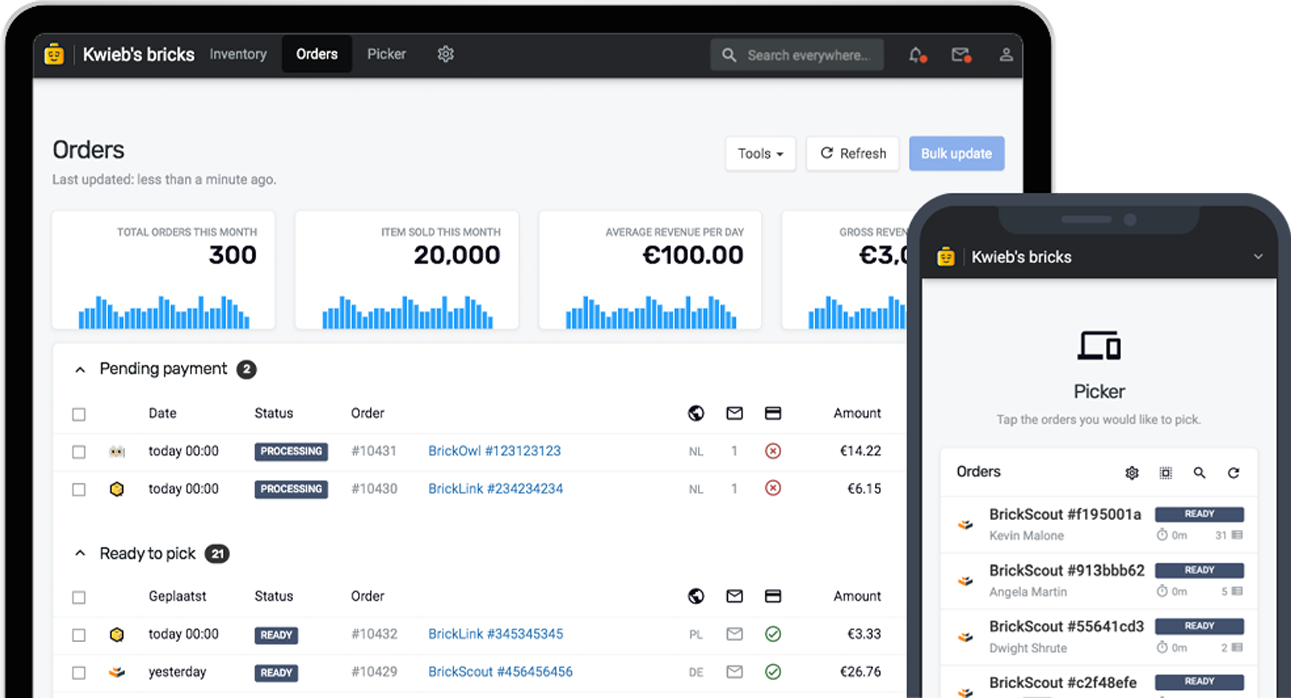
- Orders in one place Orders from the marketplace land in your orders dashboard, just as any other orders you already receive. Bricqer creates the customer, the shipping method and the invoice for you, and you'll get a notification for every new order. You pick, pack and ship them exactly the same way you're used to. The items are reserved straight away, so your other marketplaces are updated, and you won't sell the same part twice.
- Your buyers stay informed When you pack, ship, complete or cancel an order, Bricqer passes the new status on to the marketplace, so your buyer can follow along.
Connecting a marketplace
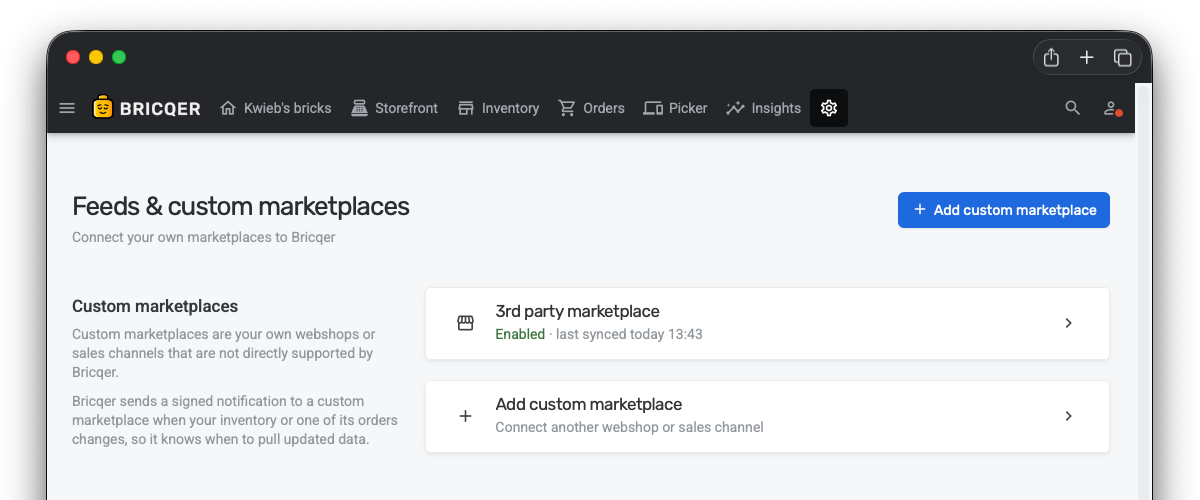
When a marketplace supports Bricqer, it will tell you how to connect. Usually it looks like this. Go to Settings and click Feeds & Custom Marketplaces. Then click Add custom marketplace and follow the steps to establish a connection with the marketplace.
A new chapter for Bricqer
I'm extremely excited about this one. It opens Bricqer up to a lot more marketplace out there, and we're looking forward to working together with them. I can't wait to see which marketplaces connect first!

Robert de Vries
2026-11-24
About 4 minutes

Ready to get started?
Sign up and we'll have you up and running in no-time!